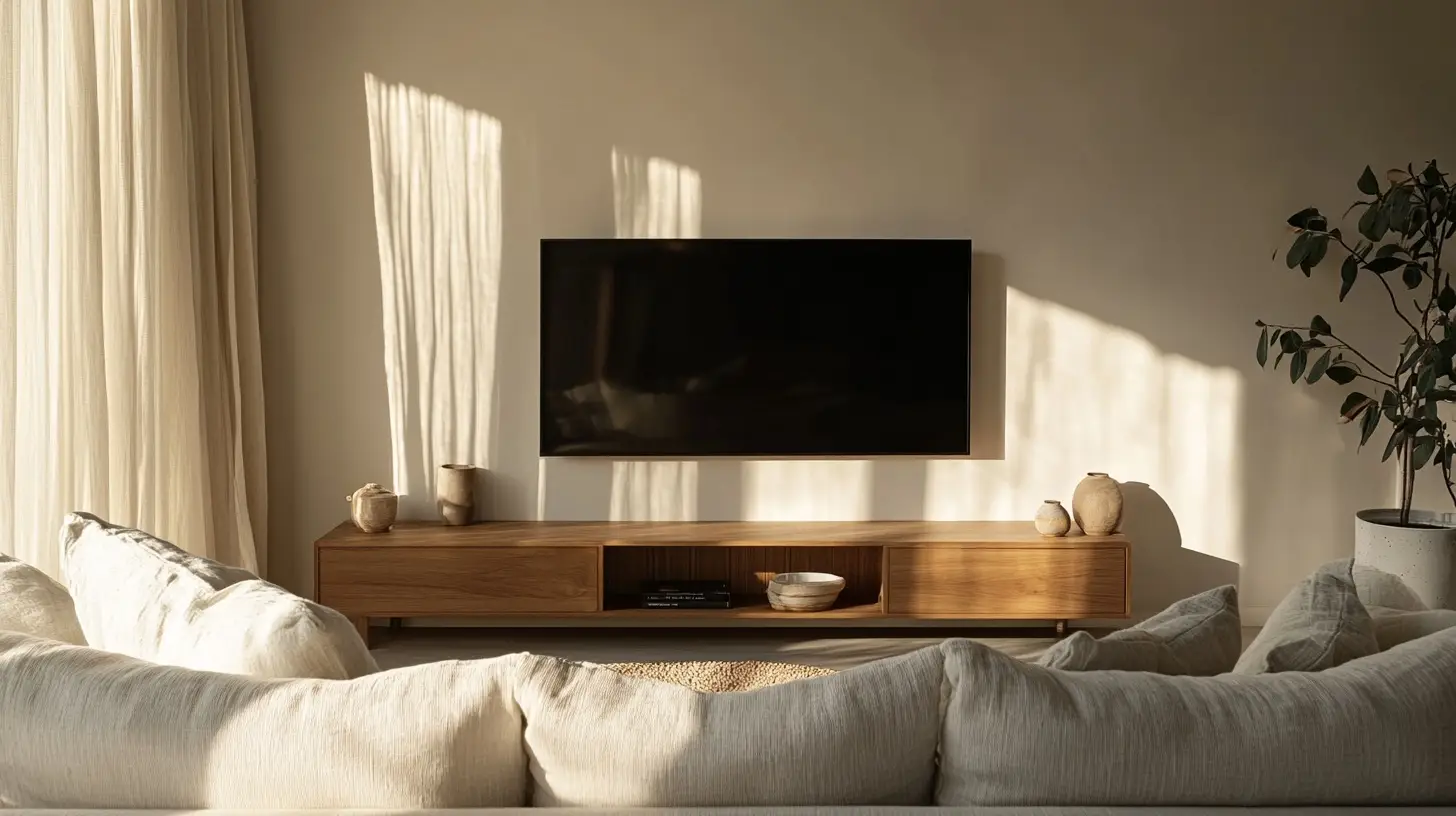
Getting TV size and viewing distance right is the difference between a screen that pulls you in and one that feels too small — or so big it strains your eyes. This two-way calculator works from either end: enter how far you’ll sit to get the ideal TV size, or enter your TV size to get how far away to put the sofa. Both directions use the same rule the numbers are built on, explained underneath.
TV Size & Viewing Distance Calculator
No calculator showing? Use the quick reference chart below instead.
Quick Reference: TV Size to Viewing Distance
These are the ideal seating distances for a 4K TV, with a comfortable range in brackets. Sit toward the near end for a more cinematic, immersive feel; toward the far end if you like a relaxed, whole-room view.
| TV size (diagonal) | Ideal distance | Comfortable range |
|---|---|---|
| 43" | 4.3 ft (130 cm) | 3.6–5.4 ft (110–165 cm) |
| 50" | 5.0 ft (150 cm) | 4.2–6.3 ft (125–190 cm) |
| 55" | 5.5 ft (170 cm) | 4.6–6.9 ft (140–210 cm) |
| 65" | 6.5 ft (200 cm) | 5.4–8.1 ft (165–250 cm) |
| 75" | 7.5 ft (230 cm) | 6.3–9.4 ft (190–285 cm) |
| 85" | 8.5 ft (260 cm) | 7.1–10.6 ft (215–325 cm) |
The Rule Behind the Numbers
For a 4K TV, the sweet spot is a seating distance of roughly 1 to 1.5 times the screen’s diagonal, with about 1.2× as the balanced middle. That range isn’t arbitrary — it comes from how much of your field of view the screen fills. Home-cinema standards put the ideal somewhere between a 40-degree viewing angle (the immersive, THX-style end) and a 30-degree angle (the relaxed, SMPTE-style end). Closer than that and you notice pixels and turn your head to follow the action; farther and you stop getting the benefit of a big, high-resolution screen.
4K vs. Full HD (1080p)
Resolution changes how close you can comfortably sit. With four times the pixels of 1080p, a 4K screen stays sharp up close, so you can sit nearer and let it fill more of your view. On a Full HD (1080p) set you need to sit farther back — about 1.5 to 2.5 times the diagonal — or individual pixels start to show. Flip the resolution toggle in the calculator to see both.
When to size up
If your result lands between two sizes, go bigger. The most common regret is buying too small — a larger screen almost always feels right within a week, and 4K content holds up beautifully at close range. The main reasons to hold back are a tight wall or media unit, or a budget cap.
Get the height right too
Distance is only half the comfort equation. Mount the TV so the center of the screen sits roughly at seated eye level — about 105 to 115 cm (42 to 45 in) from the floor for most sofas. A screen hung too high over a fireplace is a common cause of neck strain, no matter how well the distance is dialed in.
FAQ
How far should I sit from a 65-inch TV?
For a 65-inch 4K TV, about 6.5 ft (200 cm) is the sweet spot, and anywhere from roughly 5.4 to 8.1 ft (165–250 cm) is comfortable. Sit closer for a more cinematic feel, farther for a relaxed everyday view.
What size TV is best for my room?
Measure from where you’ll actually sit to the wall, then use the calculator above. As a shortcut for a 4K TV, take your seating distance in inches and divide by about 1.2 — that’s your ideal diagonal. An 8 ft (about 96 in) sofa distance points to roughly a 77–80 inch screen.
Can a TV be too big for a room?
Yes, but it’s rarer than people expect with 4K. A screen is too big when you have to turn your head to take in the edges or you can see the pixel structure from the sofa — that happens below roughly 1 times the diagonal. If you can’t move the sofa back, that’s the case for sizing down.
Does the viewing distance change for gaming?
Gamers often sit a touch closer for immersion, which is fine on a 4K panel. If you play fast-paced or competitive games, sitting near the immersive end of the range (about 1 times the diagonal) lets you take in the whole screen without losing detail at the edges.
These recommendations are guidelines based on 4K and 1080p resolution and standard home-cinema viewing angles. Personal preference, eyesight, and content vary — measure your space and, if you can, tape out the screen size on the wall before buying.